
Did You Know?
Save time. Work smarter
Save time. Work smarter






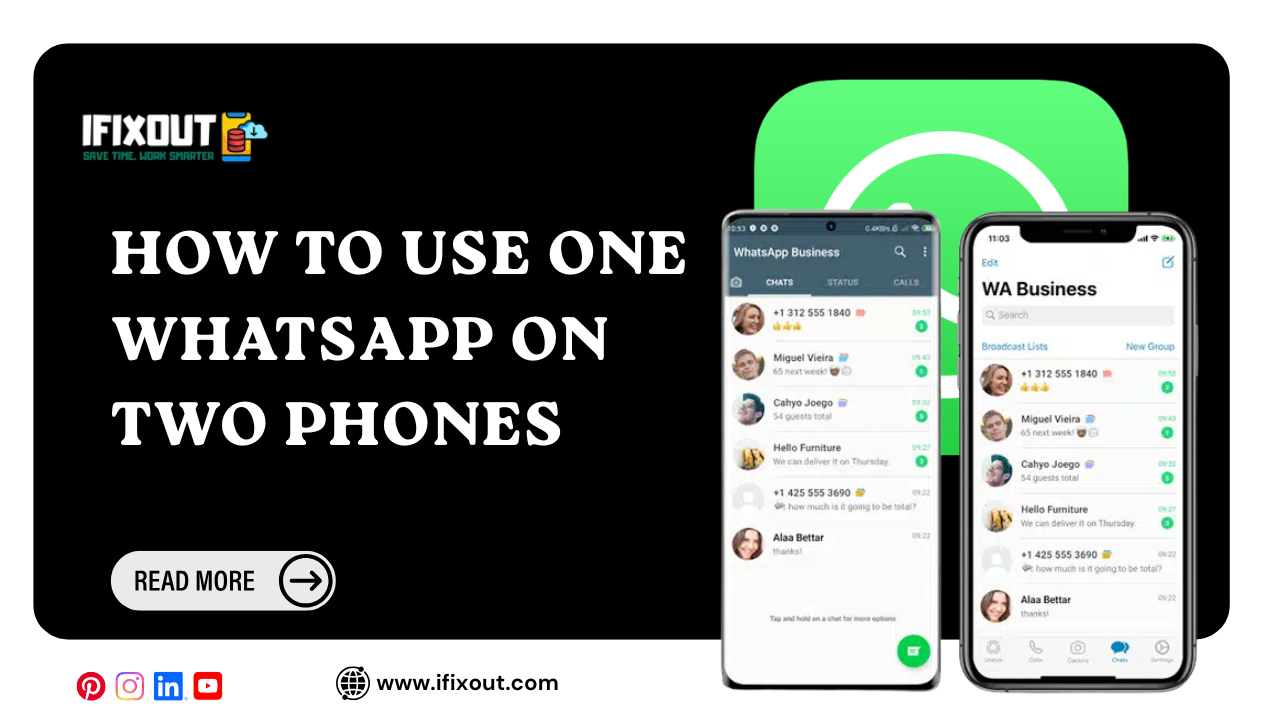
Using two smartphones has become common, whether one is for work and the other is for personal use. If you’ve ever wished you could access the same WhatsApp account on both devices without constantly switching phones, there’s good news. WhatsApp now allows you to use one account on two smartphones at the same time, with your chats, calls, and media automatically synced. The setup process is quick and takes just a couple of minutes.
Yes. WhatsApp now lets you link a second smartphone as a companion device. Once linked, both phones can access the same WhatsApp account simultaneously, and your messages, media, groups, and calls stay synchronized across both devices.
Download and install WhatsApp on your second smartphone from the Google Play Store or the Apple App Store.
Once the installation is complete, open the app.
This is where many users make a mistake.
Instead of entering your phone number, tap the three-dot menu in the top-right corner of the screen.
From the available options, select Link as Companion Device.
After selecting the companion device option, WhatsApp will display a QR code.
Leave this screen open because you’ll need to scan it using your primary phone.
Take the phone that’s already using your WhatsApp account.
Open WhatsApp and tap your profile.
Go to Linked Devices.
Then tap Link a Device.
Use your primary phone to scan the QR code displayed on your second phone.
Within a few seconds, WhatsApp will sync your chats, groups, media, and calls automatically.
Both smartphones will now be connected to the same WhatsApp account.
WhatsApp’s companion device feature makes it much easier to use the same account across two smartphones. The setup is simple, takes only a few minutes, and allows you to keep your conversations, media, and calls synced on both devices without the hassle of switching between phones.
Yes. WhatsApp allows you to link a second smartphone as a companion device so you can use the same account on both phones.
No. Instead of entering your number, choose Link as Companion Device and scan the QR code using your primary phone.
Yes. Your chats, groups, media, and calls are automatically synchronized across both linked devices.
The entire process usually takes less than two minutes.
No. Once both phones are linked, you can use the same WhatsApp account on both devices without repeatedly logging in or out.




Leave a Comment