
Did You Know?
Save time. Work smarter
Save time. Work smarter






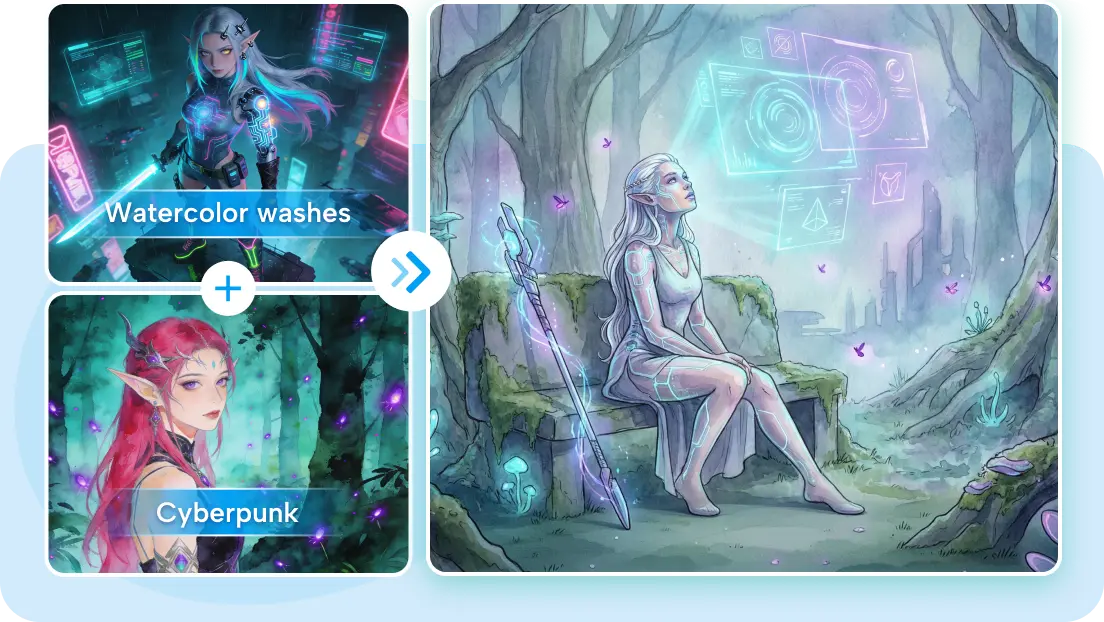
Every genuinely original visual starts somewhere before it exists, usually as a loose idea, a feeling, or a handful of reference images pinned to a mood board. Getting from that scattered starting point to an actual finished concept has traditionally required real design skill or a hired creative. Dreamina official AI image tool removes that gatekeeping entirely, letting anyone build a custom visual concept from the ground up.
Dreamina, running on its advanced image models like Seedream 5.0 Pro, GPT Image 2, and Nano Banana, is built specifically for this kind of deliberate, concept-first creative process. Let’s walk through how to actually build one from scratch.
Before touching Dreamina, the strongest concepts begin with a few honest questions: What feeling should this evoke? Who is it for? What makes it different from something generic? Answering these, even roughly, gives your eventual prompt genuine direction instead of vague, interchangeable description.
Gathering a handful of references, colors, textures, and compositions you’re drawn to helps identify patterns in your own taste before you try to describe anything from scratch. A few things worth noting from your references:
Every strong concept has a handful of elements that must appear no matter how the design evolves; everything else stays flexible. Deciding these non-negotiables early- a specific color, a particular subject, a defining shape- keeps later iterations from drifting away from the original idea.
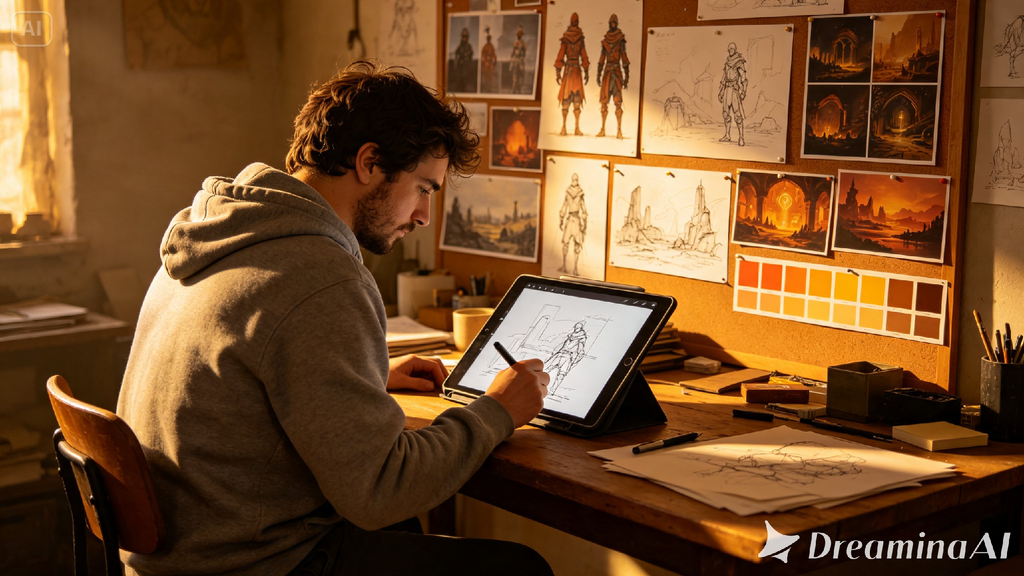
Meet Seedream 5.0 Pro: precision for concept development
A handful of Seedream 5.0 Pro’s capabilities line up well with this kind of iterative concept work.
Deep reasoning generation for intentional design
Deep reasoning generation analyzes your prompt’s relationships and intent before producing an image, helping a concept’s various elements reinforce rather than compete with each other.
Multi-layer visual control for isolated refinement
Multi-layer visual control separates subjects, backgrounds, and effects into independent components, making it possible to adjust one part of a concept without redoing the whole thing.
Pinpoint precision editing for defining details
With point selection, lasso, sketch guidance, and regional controls, pinpoint precision editing lets you refine the specific detail that carries your concept’s core identity.
2K output for presentation-ready concepts
Since concepts often need to be shared or pitched, 2K output quality ensures the final version holds up to close inspection.
Step 1: Write a text prompt and/or add a reference image
Navigate to Dreamina and write a detailed text prompt describing a person dressed appropriately for your concept’s field, along with the core visual elements, mood, and non-negotiables you’ve identified. Upload any reference images from your mood board to help anchor the style accurately.
A descriptive prompt might read: A concept artist’s vision brought to life: a floating research station suspended above misty clouds, sleek white and copper architecture, soft golden ambient lighting, minimalist futuristic composition.
Including your defined non-negotiables directly in the prompt keeps the result anchored to your original idea.
Step 2: Adjust parameters and generate
Before generating, set your parameters. Choose Image 5.0 Pro, powered by Seedream 5.0 Pro, as your model, then select your aspect ratio, image size, and resolution, using 1K while exploring early directions and 2K once you’re refining a concept worth finalizing. Click Dreamina’s generate icon to bring your concept into view.
Step 3: Customize and download
Once your concept generates, refine it using Dreamina’s AI customization tools — inpaint to adjust a specific element that doesn’t yet match your vision, expand to reveal more of the surrounding idea, remove to eliminate anything that dilutes the concept, and retouch to sharpen overall cohesion. When it genuinely reflects your original direction, click the Download icon to save it.
It’s easy to iterate a concept so many times that it drifts entirely from what made it interesting in the first place. Keeping your original non-negotiables visible, even jotted down separately, gives you something concrete to check each new version against before accepting it as final.
Once a concept feels finished, how it’s shown matters. Pairing the final image with a short written rationale, why this color, why this composition, helps anyone reviewing it understand the intentional choices behind the visual rather than seeing it as a single arbitrary image.
It’s tempting to keep refining indefinitely. A concept is generally ready when it clearly reflects your original non-negotiables, feels cohesive rather than assembled, and produces the intended emotional reaction on first glance rather than requiring explanation.
This kind of deliberate visual development shows up across several fields:
A genuinely original visual concept starts with real questions, not a vague wish for “something cool,” and Dreamina’s official AI image tool makes the whole development process achievable without a design team. With Dreamina and its advanced Seedream 5.0 Pro model, that concept moves from mood board to finished, intentional image with real consistency.
Define your non-negotiables early, iterate with purpose, and let Dreamina help your custom concept become something worth sharing.





Leave a Comment