
Did You Know?
Save time. Work smarter
Save time. Work smarter






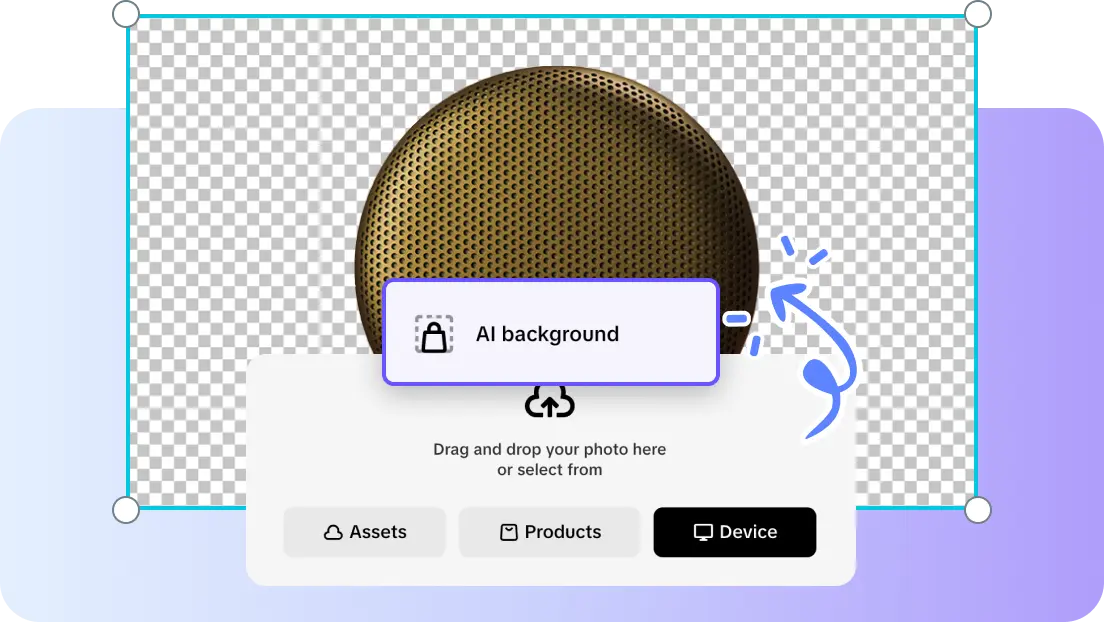
A product ad is more than just a single product in isolation with an empty canvas. An interest-provoking background creates context, mood, depth, and visual hierarchy. It assists the viewer in understanding where the product fits and why it’s important. This process is quicker and doesn’t require any expert design expertise because of AI-generated backgrounds. Pippit enables this workflow by converting product images into professional images for marketing purposes.
A product backdrop that works will draw in attention and maintain the product being promoted as the focal point. Contrast separates the product from surrounding colors, textures, and objects. In depth, there are foreground, middle-ground, and background relationships, which add dimension. Lighting should be appropriate for the surface of the product and produce realistic shadows or reflections. Colour options should be in line with the brand but not compromise legibility or product visibility. Negative space is also important, as a crowded background can diminish the main message. Contextual clues can convey lifestyle, use cases, quality or seasonality without getting in the way. The backstory should support the campaign goal, whether it’s awareness, sales, launches, or positioning. Pippit makes those decisions easy with customisable scenes, preset backgrounds, and visual creation with prompts.
Pippit enables all kinds of different creative directions, depending on the advertising goals. A high-quality studio features stylish finishes, luxurious materials, and subtle lighting for a sophisticated presentation. A lifestyle setting is a setting that shows a product in a realistic environment, showing how it can be used or how it can be emotionally appealing. Bold contrast employs strong color relationships to make the product stand out. Relevant details can be used to create seasonal scenes, whether it be holidays, launches, sale times, or limited campaigns. Stone, foliage, water, wood, or sunlight provide fresh positioning in nature-inspired backdrops. For technology products, futuristic displays can fuse digital grids, neon accents, metallic surfaces, and controlled reflections. Seedance was included in creative models and workflows for wider AI-powered content production options. All concepts should be consistent with the product, audience, and campaign message.
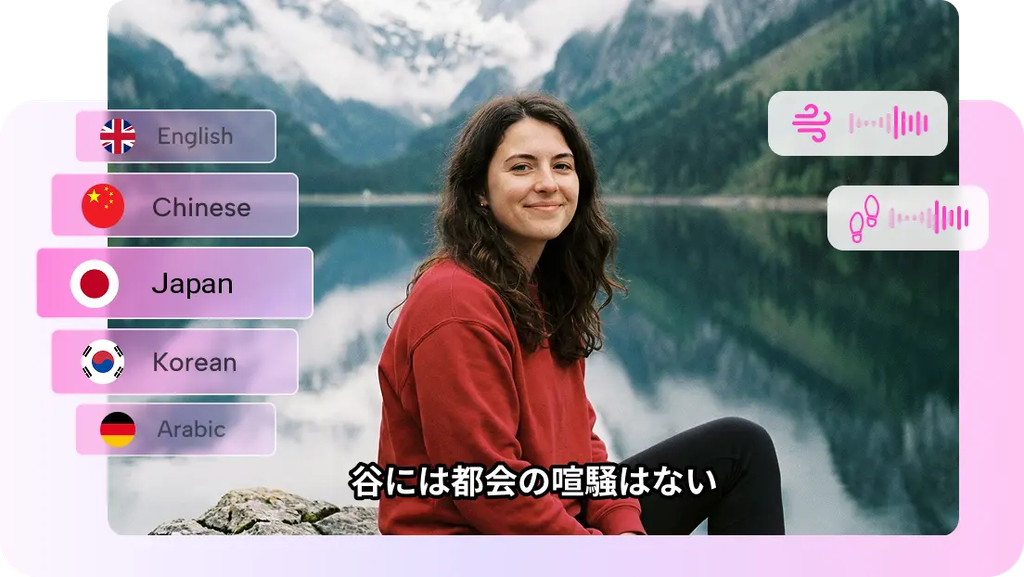
Step 1: Create a Product-Focused Background Brief
Step 2: Find a Backdrop That Strengthens Your Ad
Step 3: Enhance the Ad Visual and Export It
Once it is generated, Pippit AI background generator offers a number of background drafts depending on the image of the product and the prompt. Check the 3 to 4 drafts for product prominence, visual impact, lighting, and composition. Choose the concept that is most conducive to the advertising goal and to maintaining a believable product-setting relationship. Refinement tools let you fine-tune certain visual aspects without having to rework the whole concept. Apply the Draw and Inpaint tools to make targeted changes, and the Isolate layers tool for controlled changes. When the composition doesn’t go in the desired direction, Regenerate can generate another result. Upscale image: When the final asset needs more detail, upscale the image to achieve clarity. Taking to video can expand on chosen visuals and create video-based promotional material. Once edited, download the final image in JPG or PNG format for use in workflow.
All the big decisions for the background – color, space, etc. – should be made to support the campaign goal. Negative space might be required in a sales advertisement for prices, offers, calls to action, or product benefits. In a brand-awareness campaign, atmosphere, distinctive colors, and recognizable visual language might be more important. The hierarchy of the image should guide the viewer from background to product, to supporting copy. Mood should also align with the campaign tone; this can be lively, luxurious, relaxed, fun, or creative. Pippit’s sales-poster features include created backgrounds and sales-poster layouts for e-commerce discounts and seasonal sales. This way, one product image becomes a full-fledged advertising tool. A video agent can also be used for motion-based promotional extensions, where a video fits the promotion.
Lighting has a significant impact on the perception of product quality, material, shape, and finish. Gentle side lighting can show off form, and dramatic side lighting will make it more defined. Top lighting can highlight surfaces, and directional light can create a studio high-end lighting environment. Shadows and reflections to anchor products in a scene, rather than pasted on. Scale and perspective are also important, as proportions that don’t match can lead to artificial environments. The foreground and background depths can provide dimension and still focus on the product. Try not to add too much ornate detail; detail can sometimes be a distraction from the product advertised. Pippit’s editing workflow can polish and maintain these relationships and the focus of the product.
The finished backdrop should be appropriate for the platform that the ad will be displayed in.
Product ads can be more clear, memorable, and more convincing with an engaging backdrop. Powerful scenes draw attention to themselves without taking it away from the product. By minimizing manual editing and speeding up creative experimentation, AI makes the process of creating backgrounds smoother. Pippit combines generation, refinement, upscaling, and promoting into a single workflow. Effective background selection can make the product stand out in advertisement media.






Leave a Comment