
Did You Know?
Save time. Work smarter
Save time. Work smarter






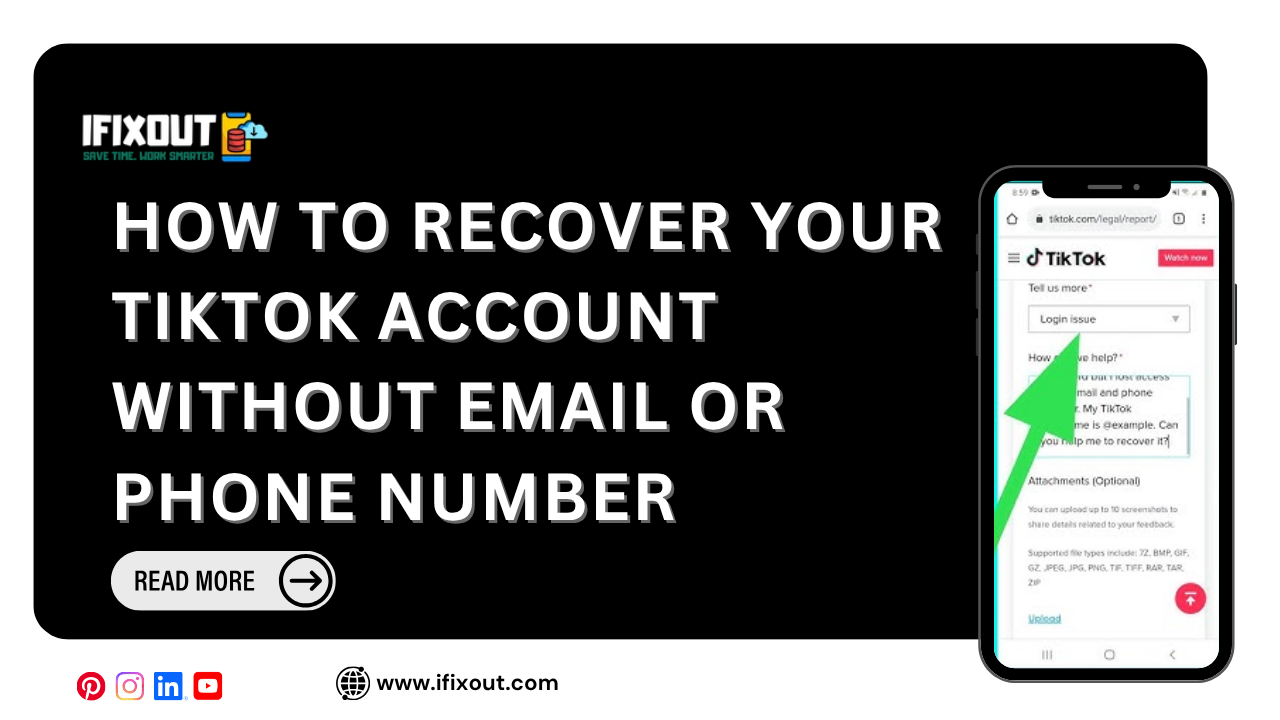
Losing access to your TikTok account can be frustrating, especially when you no longer have access to the email address or phone number connected to it. TikTok’s standard account recovery process usually relies on sending a verification code to one of those registered contact methods.
But what if you have lost access to both?
Fortunately, that does not necessarily mean your account is gone forever. If you can provide enough information to prove that you are the legitimate owner, you can contact TikTok through its support and feedback system and request a manual account recovery.
In this guide, we’ll explain how to recover your TikTok account without an email address or phone number and what information can improve your chances of getting it back.
Quick Answer
To recover a TikTok account without an email or phone number, contact TikTok through its account-access or feedback support process. Provide your username, approximate account creation information, previous login devices, region, linked accounts, and any other evidence that can establish ownership. Also provide an email address you currently have access to so TikTok can contact you.
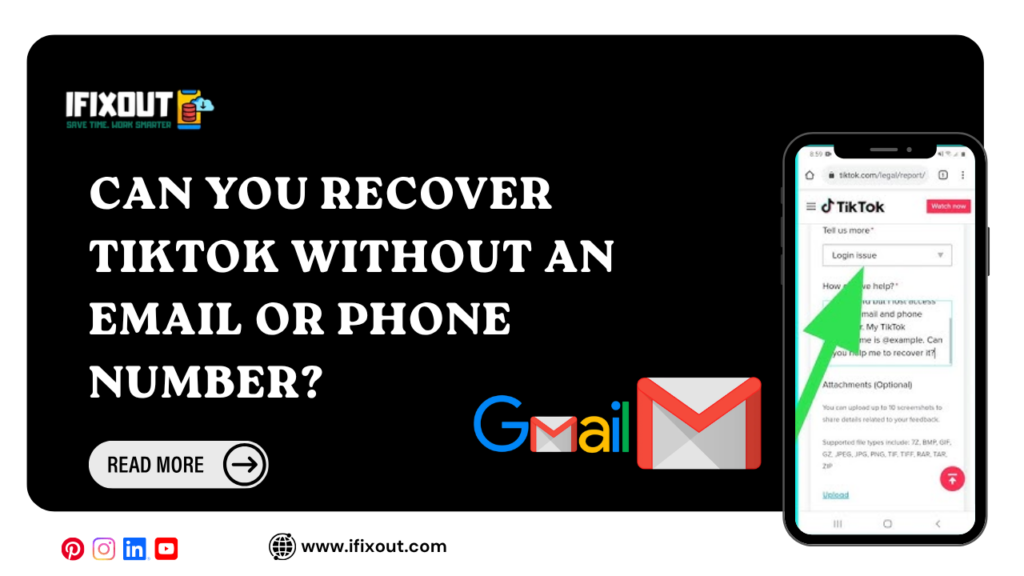
Yes, you may still be able to recover your TikTok account without access to your registered email address or phone number.
Normally, TikTok attempts to verify your identity by sending a code to your existing email or phone number. If you cannot access either one, automatic recovery may not work.
In that situation, contacting TikTok support and submitting an account recovery request is the practical option.
TikTok may ask for information that helps establish that you are the original account owner. The more accurate information you provide, the easier it may be for the support team to investigate your request.
Start by opening a browser and searching for TikTok’s official feedback or support page.
Look for the option to report a problem or contact TikTok regarding account access and security.
From there, select the category related to account access, security, login problems, or account recovery. The exact wording and available options can change as TikTok updates its support system.
Once you reach the relevant support form, choose the option that most closely matches your problem.
For example, select the account access/security category and then choose the option related to login issues or account recovery.
The goal is to tell TikTok that you cannot access the normal recovery methods and need help verifying ownership manually.
Provide your TikTok username carefully.
Your username is one of the easiest ways for TikTok to identify the account you’re trying to recover.
Make sure you enter the correct username, including any characters or symbols that were part of it.
If you are unsure of your username, you may be able to find it through old screenshots, shared TikTok links, messages, or posts.
TikTok may need additional information to determine whether you actually own the account.
Include details such as:
You do not need to remember every detail perfectly. However, provide information that is accurate and consistent with your account history.
Even though you no longer have access to the email address originally connected to your TikTok account, you should provide an email address that you currently control.
TikTok can use this address to communicate with you regarding your support request.
Make sure you regularly check the inbox, including spam or junk folders, after submitting your request.
Your description should be simple, specific, and easy for the support team to understand.
Explain that:
Also include an approximate date for when you created the account if you know it.
Avoid writing a very long or confusing explanation. Focus on the facts that can help TikTok understand and verify your situation.
Additional evidence can strengthen your recovery request.
Depending on what you still have available, consider providing:
The purpose of providing this information is to help TikTok determine that the account belongs to you.
Review the information you entered before submitting the form.
Make sure your username, contact email, account details, and explanation are accurate.
Complete any required confirmations or checkboxes and submit your request.
After submitting it, keep an eye on the email address you provided. TikTok support may request additional information before making a decision.
If your TikTok account was previously connected to another platform, mention it in your support request.
For example, tell TikTok if you previously used Google, Apple, or Facebook to access your account.
Connected accounts can provide additional information that may help TikTok verify your ownership.
If you still have access to one of those linked accounts, try using the corresponding login option before submitting a recovery request.
Manual account recovery is not necessarily immediate.
After submitting your request, you may need to wait for TikTok’s support team to review the information. The response time can vary depending on the circumstances and support volume.
Instead of repeatedly submitting the same request, wait for a response and check the contact email you provided.
Sending numerous identical recovery requests does not necessarily make the process faster. It can make it more difficult to keep track of your case.
Submit one clear and detailed request and wait for a response.
If you are unsure about a specific detail, provide your best accurate estimate rather than inventing information.
Incorrect or contradictory information could make verification more difficult.
If you previously connected your TikTok account to Google, Apple, Facebook, or another supported login method, mention it.
This information could be useful during the verification process.
When TikTok asks for a contact email, use an address that you currently have access to.
This is important because you may receive follow-up questions or instructions there.
Lost access to your TikTok account doesn’t always mean you’ve lost it permanently.
If your old email and phone number are gone, focus on proving that the account belongs to you. Gather your username, account details, old screenshots, previous devices, linked accounts, and anything else that can help TikTok verify your identity.
Submit a clear support request, use an email address you can access, and give the support team time to review your case.
If this guide helped you understand the TikTok recovery process, share it with someone who may be dealing with the same problem
You may be able to. Contact TikTok support and provide your username and other information that can help establish that you are the account owner.
Try the available TikTok login recovery options first. If you cannot access the registered email or phone number, submit an account-access request through TikTok’s support system and provide as much accurate account information as possible.
If you cannot receive the verification code because you lost access to your registered email or phone number, explain the situation through TikTok’s account-recovery support process and request manual assistance.
Possibly. Provide your TikTok username and other identifying account information. If you remember a previously connected Google, Apple, or Facebook account, mention that as well.
The fastest option depends on what access you still have. If you can use a linked login method or your registered email or phone number, use TikTok’s normal recovery options. If you have lost access to all of them, submit a detailed support request with accurate ownership information rather than sending multiple duplicate reports.




Leave a Comment