
Did You Know?
Save time. Work smarter
Save time. Work smarter






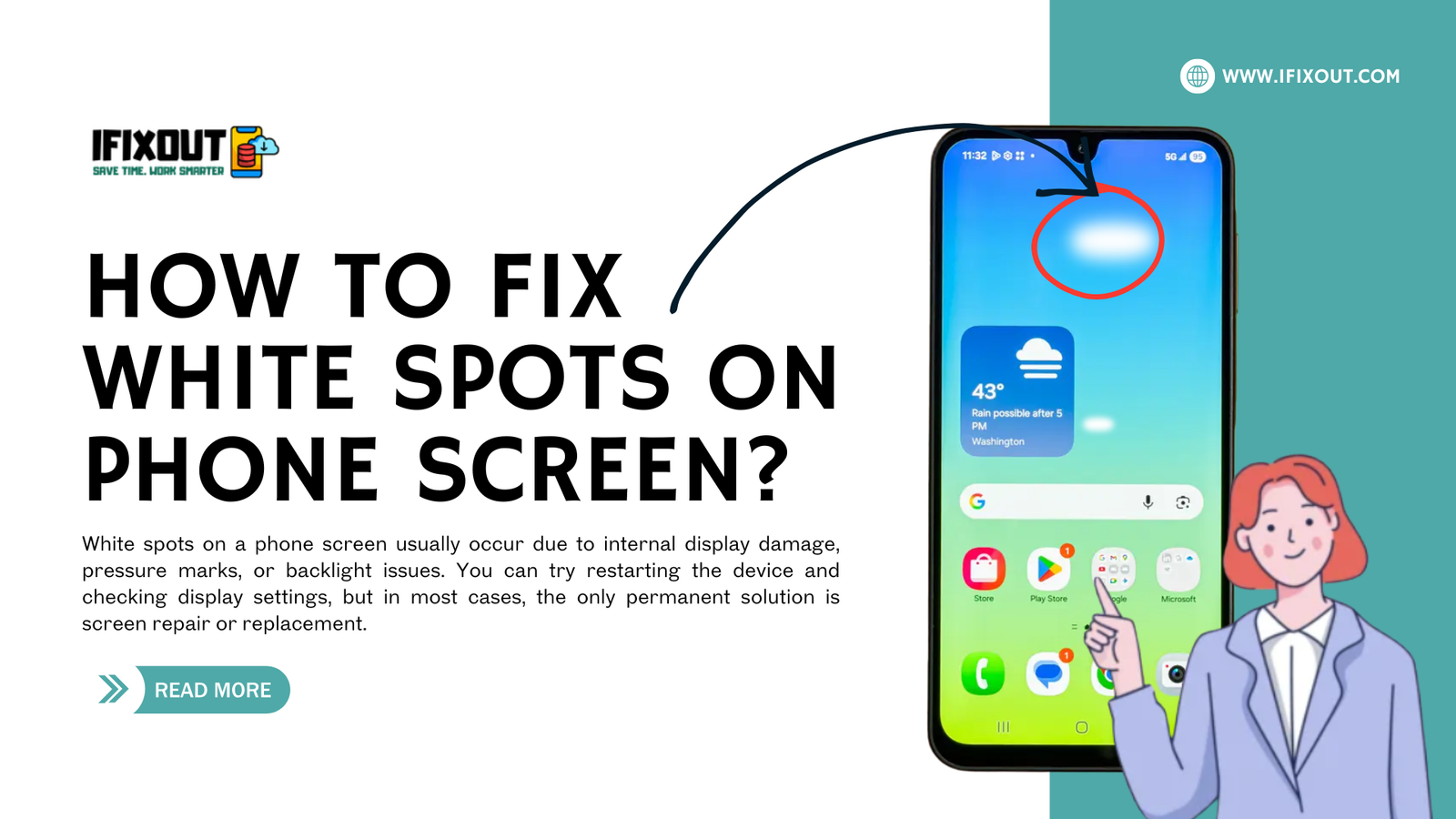
White spots on a phone screen are a common display issue where bright patches, glowing dots, or uneven light areas appear on the screen and do not disappear easily. These spots can show up suddenly after a fall, pressure, overheating, or even normal long-term use. Although the phone may still function normally, the display quality becomes distracting and difficult to use.
At IfixOut, our tech gadget troubleshooting team regularly diagnoses and repairs screen-related issues in smartphones and tablets. Based on real repair experience, white spots are usually linked to internal display layer damage rather than software faults. Understanding the problem properly is important before trying any fix.
This guide explains the issue in a clear structure: what the problem is, how to fix it, why it happens, and how to prevent it in the future.
Quick Answer
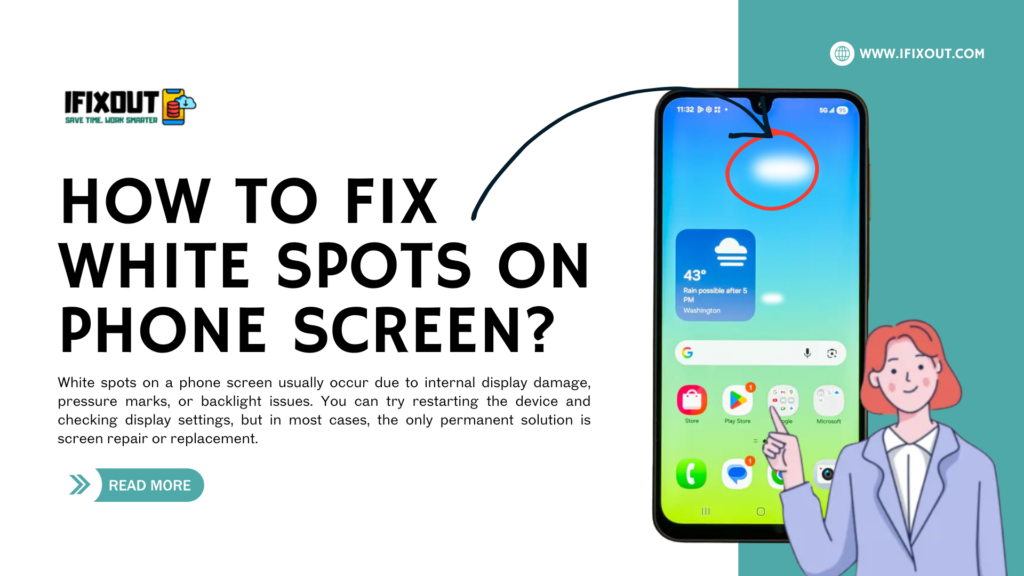
White spots on a phone screen usually occur due to internal display damage, pressure marks, or backlight issues. You can try restarting the device and checking display settings, but in most cases, the only permanent solution is screen repair or replacement.
White spots are display defects where certain areas of the screen appear brighter than normal and stay fixed in one place. They do not behave like normal pixels and often become more visible on dark backgrounds.
These symptoms indicate that the display layers are not working evenly.
Before going for repair, you can try these troubleshooting steps to confirm the issue and rule out minor glitches.
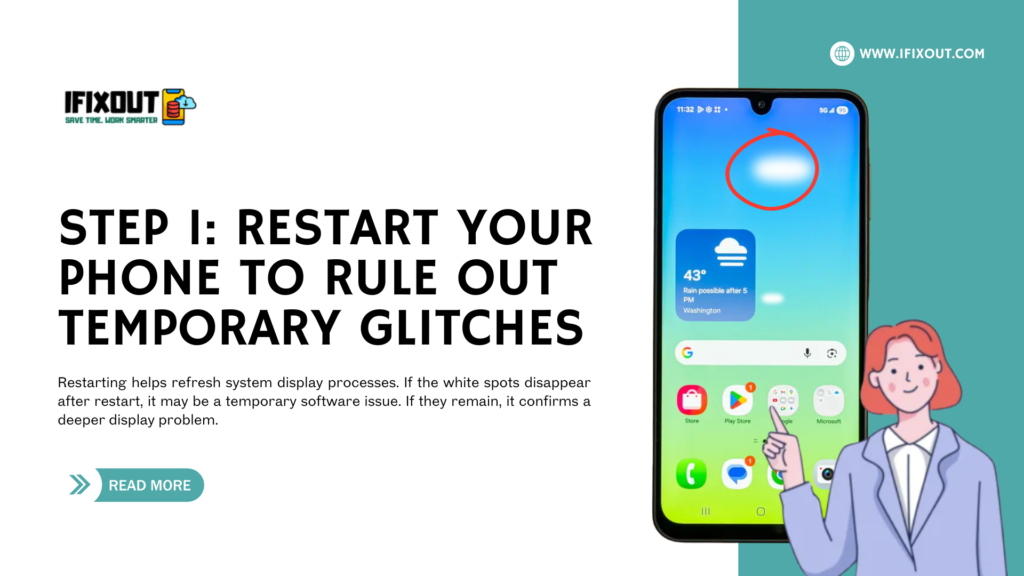


Restarting helps refresh system display processes. If the white spots disappear after restart, it may be a temporary software issue. If they remain, it confirms a deeper display problem.
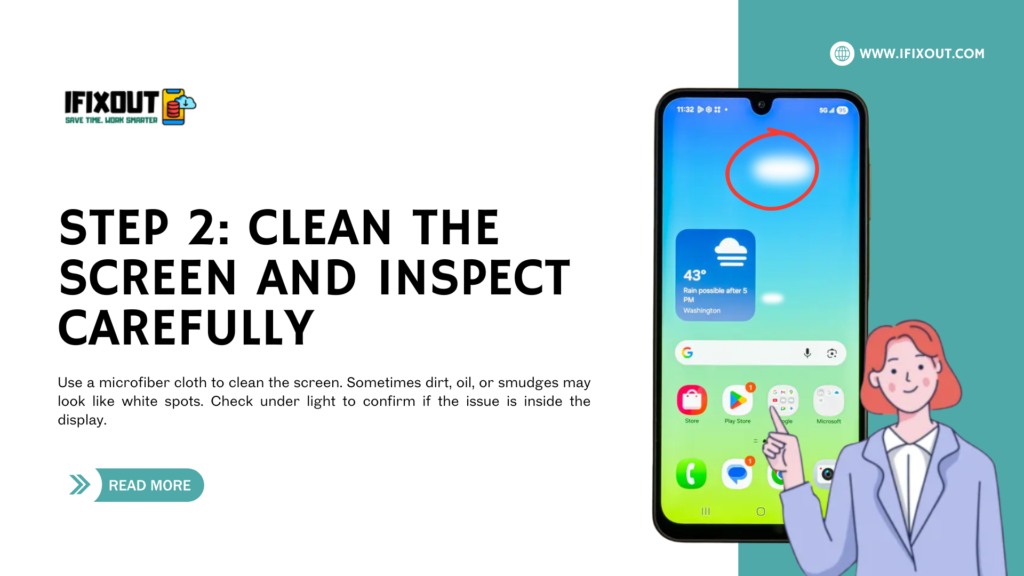
Use a microfiber cloth to clean the screen. Sometimes dirt, oil, or smudges may look like white spots. Check under light to confirm if the issue is inside the display.
| Brightness Level | What to Observe |
|---|---|
| Low brightness | Spots more visible |
| High brightness | No change means hardware issue |
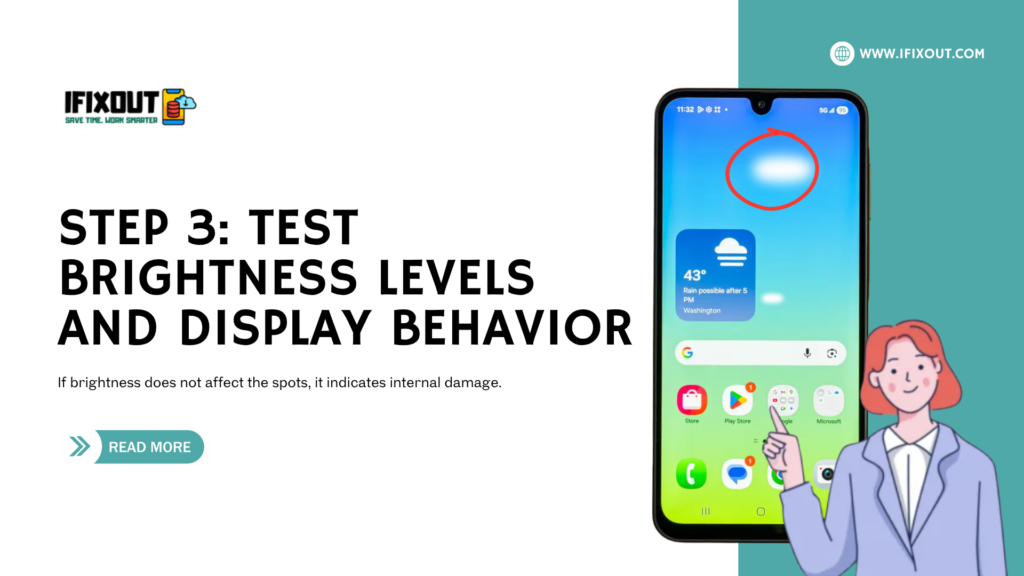
If brightness does not affect the spots, it indicates internal damage.
Open settings, gallery, and different apps. If white spots appear everywhere, the issue is with the display hardware, not software.
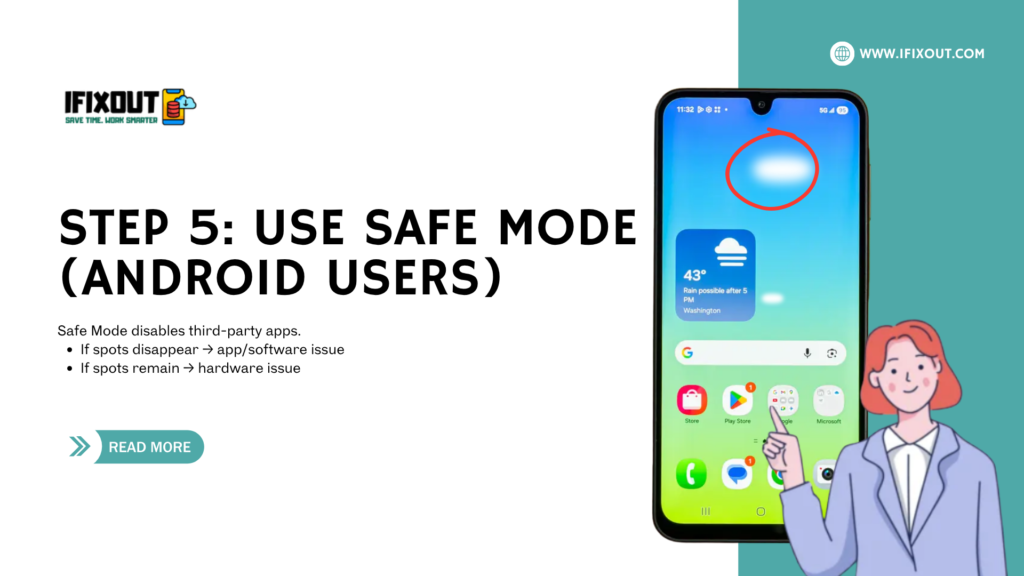
Safe Mode disables third-party apps.
Check if:
If yes, the display is permanently damaged.
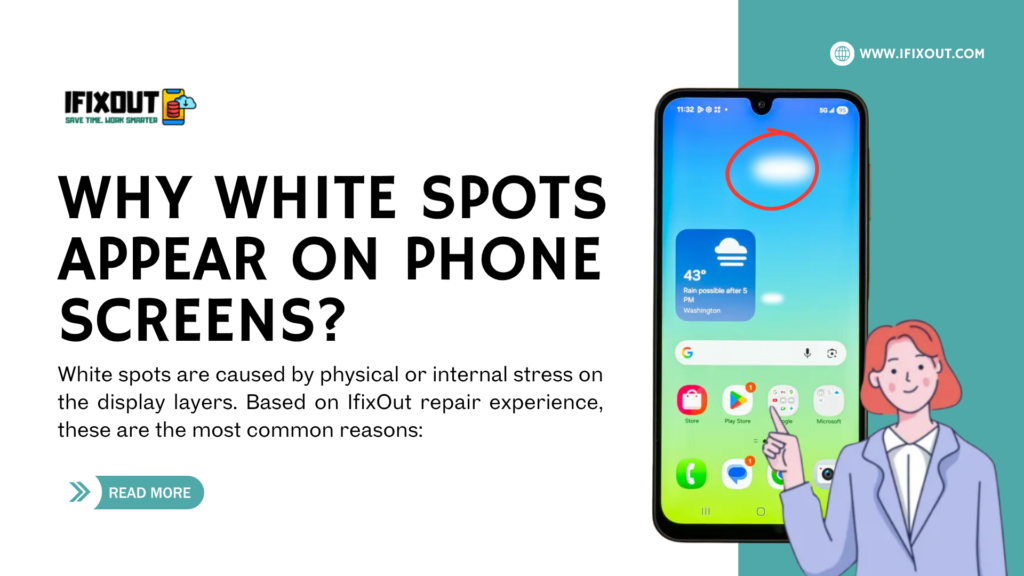
White spots are caused by physical or internal stress on the display layers. Based on IfixOut repair experience, these are the most common reasons:
| Cause | What Happens Inside the Screen | Common Triggers | How It Appears on Display |
|---|---|---|---|
| Pressure Damage | Internal LCD/OLED layers get compressed or disturbed | Tight pockets, sitting on phone, heavy objects on device | Bright patches or fixed white areas that don’t move |
| Drop or Impact Damage | Display layers shift or get slightly broken internally | Accidental drops, bumps, or bending | Sudden white spots or uneven bright zones after impact |
| Backlight Imbalance (LCD screens) | Backlight spreads unevenly across screen | Aging screen, internal layer weakening | Foggy white patches or glowing uneven areas |
| Heat Exposure | Display materials weaken due to high temperature | Gaming while charging, sunlight exposure, heavy usage | Gradually growing bright spots or discoloration |
| Manufacturing Defect | Weak display area from production stage | Factory defect (no physical damage needed) | Early-stage white spots appearing without any drop |
| Internal Layer Separation | Layers inside display start separating over time | Long-term usage, minor pressure, aging device | Slowly spreading white patches or brightness unevenness |
Preventing damage is more important than fixing it later. IfixOut experts recommend following safe usage habits to protect your display.
| Safety Practice | Benefit |
|---|---|
| Use a strong protective case | Reduces pressure damage |
| Avoid keeping phone in tight pockets | Prevents screen bending |
| Do not place heavy objects on phone | Protects internal layers |
| Use screen protector | Adds extra protection layer |
| Handle phone carefully while charging | Prevents heat damage |
These habits significantly reduce the risk of display damage.
White spots on a phone screen are usually a sign of internal display damage caused by pressure, heat, or impact. While basic troubleshooting can help confirm the issue, most cases cannot be fixed without screen repair or replacement.
At IfixOut, our tech gadget troubleshooting team specializes in diagnosing and repairing complex display problems with real-world experience. If your device shows persistent white spots, early inspection and professional diagnosis can prevent further screen deterioration and higher repair costs.
Only if they are software-related; most cases require hardware repair.
No, but they indicate display damage that may worsen.
Only temporary glitches may disappear after restart.






Leave a Comment