
Did You Know?
Save time. Work smarter
Save time. Work smarter






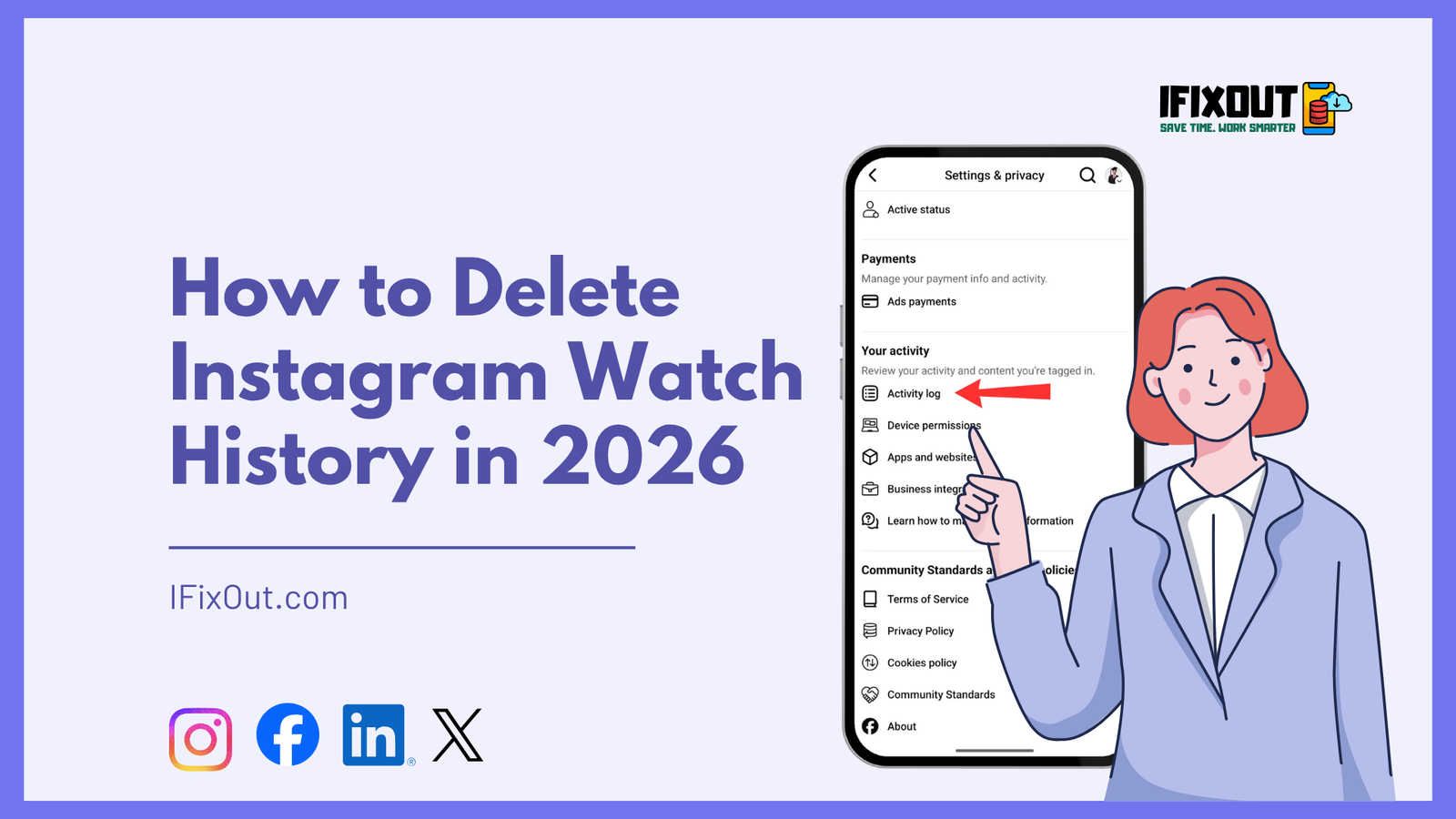
Have you ever watched one random reel on Instagram and suddenly your entire feed feels completely different? It often happens when the algorithm picks up a single interaction and starts pushing similar content repeatedly. Over time, this can clutter your experience and make your feed less relevant.
The good news is that Instagram now allows you to manage and delete your watch history. This gives you more control over what you see and helps reset your viewing patterns. In this guide, you’ll learn exactly how to delete Instagram watch history in 2026 and how to improve your recommendations afterward.
To delete Instagram watch history:
Your selected watch history will be deleted instantly.
Instagram Watch History is a feature that keeps track of the reels and videos you have recently viewed. This data is used by Instagram’s algorithm to understand your interests and personalize your feed. While this can improve content recommendations, it can also lead to repetitive or unwanted suggestions if you accidentally engage with irrelevant content.
By accessing your watch history, you can review what you’ve watched and remove specific items. This gives you partial control over how Instagram shapes your feed. However, it’s important to understand that deleting watch history only removes visible records and does not completely reset the algorithm.
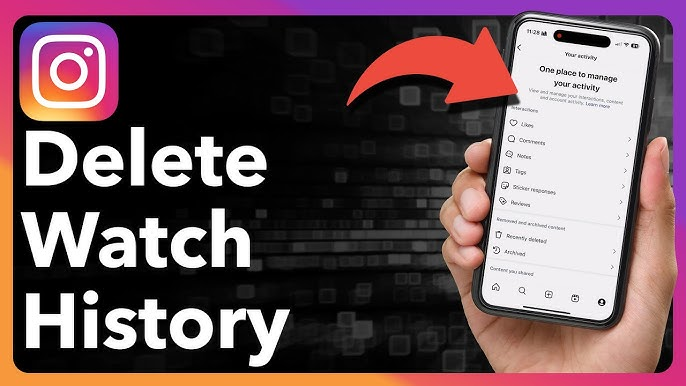
Deleting your Instagram watch history is a straightforward process. Follow these steps carefully:
Launch the Instagram app on your device and make sure you are logged into your account.
Tap on your profile icon located at the bottom right corner of the screen.
Tap the three horizontal lines in the top right corner to open the menu.
From the menu, select Your Activity, which contains all your interaction data.
Scroll down slightly and tap on Watch History. If you don’t see this option, make sure your app is updated to the latest version.
Tap Select in the top right corner and choose the videos you want to remove.
Tap Remove, and your selected watch history will be deleted instantly.
After deleting your watch history, the selected videos will no longer appear in your activity list. This helps clean up your visible history and gives you more control over your data.
However, Instagram’s algorithm still relies on broader activity signals such as likes, shares, and time spent on content. This means that deleting watch history alone may not completely reset your feed. It is only one part of managing your content preferences.
| Action | Result |
|---|---|
| Delete watch history | Removes visible history |
| Algorithm reset | Not fully reset |
| Affects recommendations | Partially |
| Immediate effect | Yes |
If you want a cleaner and more accurate feed, you should also reset your suggested content. This helps Instagram refresh its recommendations based on your current preferences.
This action tells Instagram to rebuild your recommendations from scratch, making your feed more relevant over time.
Instagram’s algorithm is highly sensitive to user behavior. Even a single reel can influence what you see next because the platform tracks:
This is why your feed can shift dramatically after watching just one random video. Understanding this helps you use features like watch history deletion and content reset more effectively.
If you don’t see the Watch History option, here are some possible reasons:
This usually resolves the issue and enables the feature.
Deleting Instagram watch history in 2026 is a simple but powerful way to regain control over your feed. While it doesn’t completely reset the algorithm, it helps clean up your activity and reduce unwanted influence on your recommendations.
For the best results, combine this with resetting your suggested content. Together, these steps can significantly improve your Instagram experience and make your feed more relevant to your interests.
Take a few minutes to try it yourself and enjoy a cleaner, more personalized Instagram feed.





Leave a Comment